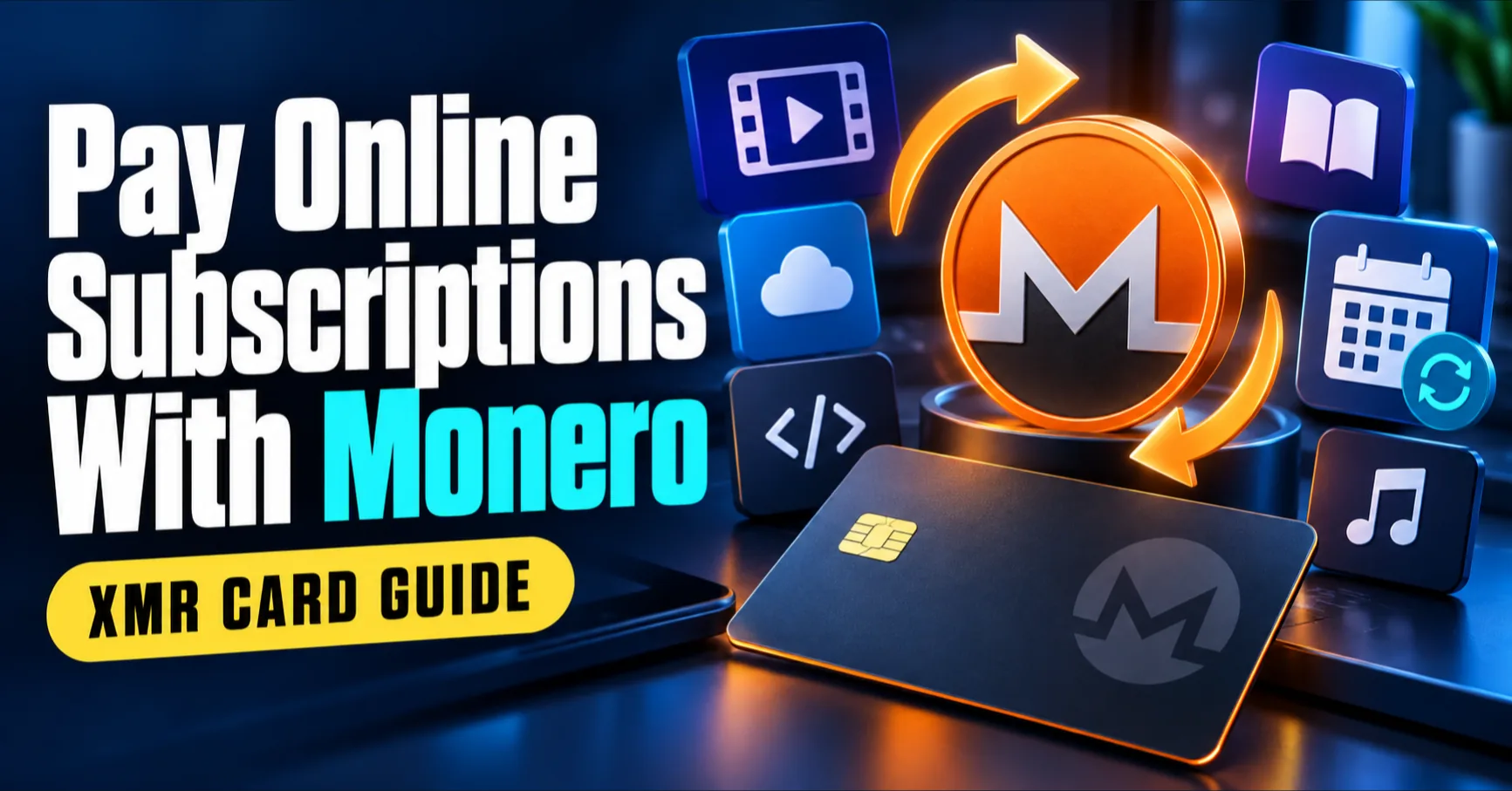
Monero can fund subscriptions that do not accept crypto directly. Deposit XMR through Cryptomus, credit your VelshoCards wallet, load an eligible virtual card and save that card with the subscription merchant.
How subscription payments work
- Create an XMR deposit invoice through Cryptomus.
- Wait for the confirmed payment to credit your wallet.
- Issue and fund a card that supports the merchant and recurring charges.
- Complete the merchant's first authorization and verification.
- Keep the card funded for later renewal dates.
Only the funding steps use Monero. Renewals are ordinary card transactions and create merchant and issuer records.
Set up a subscription with XMR
- Check compatibility. Confirm region, currency, recurring-payment and 3D Secure requirements.
- Calculate the complete first charge. Include plan price, tax, FX, card costs and a buffer.
- Deposit XMR. Send the exact amount shown on a live Cryptomus invoice.
- Issue and fund the card. Choose an eligible card and load the required balance.
- Add the card. Use its associated billing information at checkout.
- Finish verification. Complete any authorization hold or 3D Secure challenge.
- Record the renewal date. Set a reminder several days early.
How much balance to keep
Required balance = plan price + tax + expected FX movement + applicable usage fee + authorization buffer.
For quarterly or annual funding, compare the benefit of fewer fixed top-up charges with the risk of leaving more value on the card.
A reliable renewal routine
- Set a reminder three days before each charge.
- Keep the card active instead of freezing it between renewals.
- Recheck the merchant price because plans and taxes can change.
- Deposit XMR early enough for confirmation and credit.
- Cancel at the merchant when finished; freezing a card is not cancellation.
Why renewals fail
| Failure | Likely cause | Action |
|---|---|---|
| Insufficient funds | Tax, FX or fees exceeded balance | Fund the shortfall plus a buffer, then retry once |
| Inactive card | Frozen, expired or closed | Restore it when permitted or update payment |
| Country mismatch | Account and billing regions conflict | Use accurate, permitted billing details |
| 3D Secure timeout | Challenge was not completed | Retry with the dashboard ready |
| Recurring blocked | Product or merchant does not support it | Confirm eligibility before another attempt |
For general purchases, read How to Shop Online With Monero. For costs, see Monero card fees and limits.
Frequently asked questions
Can I pay online subscriptions with Monero?
Yes. Deposit XMR through Cryptomus, fund an eligible virtual card and add the card to a subscription service that supports recurring payments.
How much should I load?
Load the renewal price plus tax, expected FX movement, applicable card fees and a small authorization buffer.
Will the subscription renew automatically?
It can renew when the card remains active, recurring payments are permitted, the merchant supports it and enough balance is available.
What happens after a declined renewal?
The merchant may retry, pause service or request another payment method. Fix the cause before another attempt to avoid repeated decline costs.
Is one card or several cards better?
One card can reduce fixed costs and simplify funding. Separate cards isolate merchants and spending. Choose based on the value of isolation.
Fund your next renewal with XMR
Follow the Monero card setup guide, then create an account when ready.