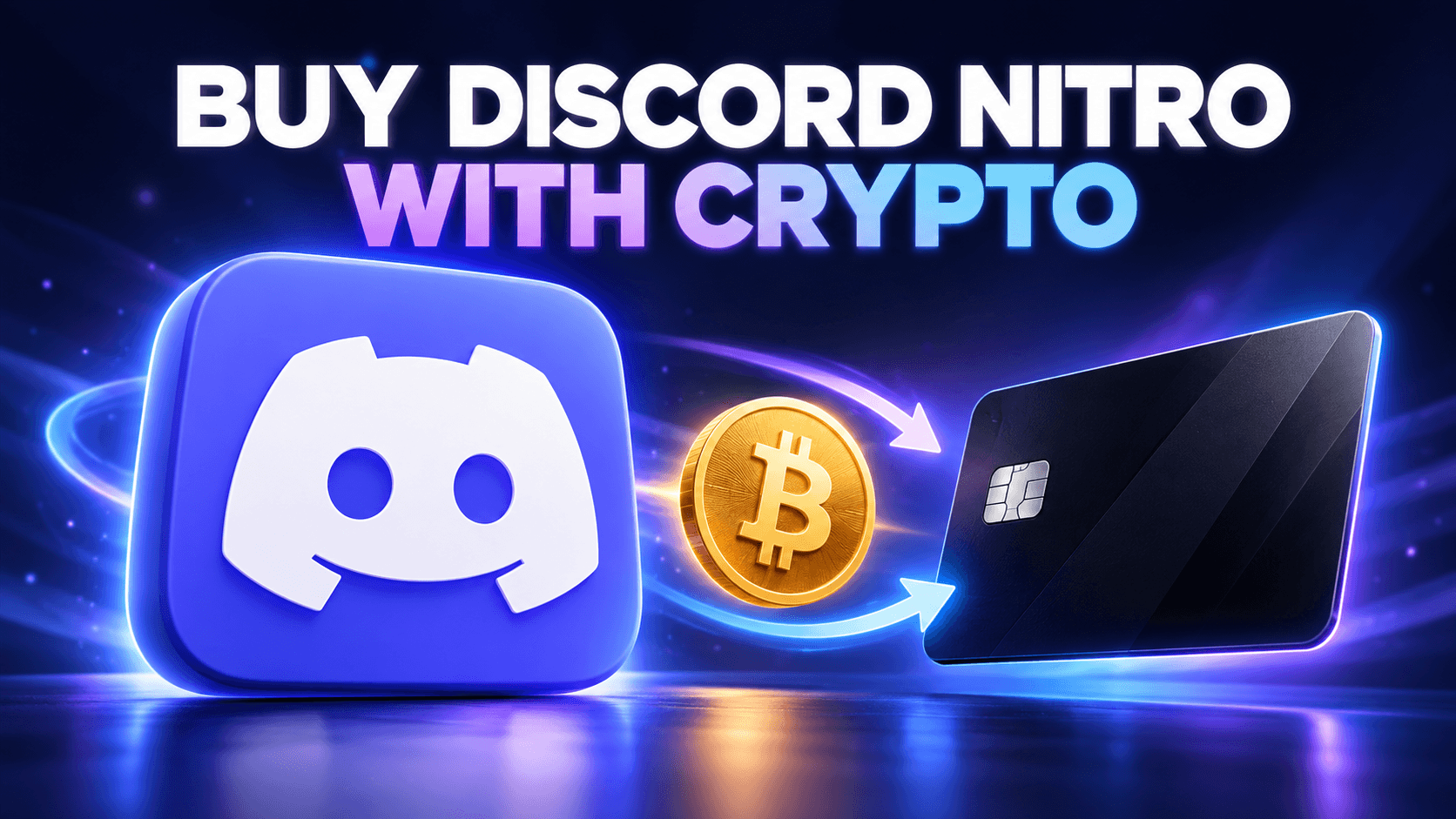
You can buy Discord Nitro with crypto indirectly by funding a virtual card and using that card at Discord checkout. Discord’s published payment methods include credit and debit cards, but do not list direct cryptocurrency payments. This guide covers Nitro and Nitro Basic on Discord’s web or desktop app, where you can select a card payment method. A crypto-funded card is still subject to Discord’s payment checks and the card issuer’s merchant rules.
Set up a card for Nitro checkout
Fund your VelshoCards wallet with supported crypto, issue a Nexora 3DS virtual card, and load enough for the plan you choose. Review card fees and merchant eligibility first.
Choose Nitro or Nitro Basic before you pay
Discord offers two current subscription options, Nitro and Nitro Basic, with monthly and annual billing. Nitro includes the broader perk set and two Server Boosts. Nitro Basic includes a smaller set of perks, such as custom emoji and larger file uploads. See Discord’s plan comparison for the current features.
| Plan | Best for | Billing |
|---|---|---|
| Nitro Basic | Core premium features at an entry-level price | Monthly or annual |
| Nitro | Full premium features, including two Server Boosts | Monthly or annual |
Check the amount in your own Discord checkout. Discord says prices vary by location and may change. The annual choice charges the displayed annual total, so load the card for that amount rather than one month’s equivalent.
How to buy Discord Nitro with crypto: six steps
- Open a VelshoCards account. Register here, then sign in to your dashboard. Discord will be paid by virtual card; you do not send crypto to Discord.
- Fund your wallet with supported crypto. Choose an available deposit asset such as BTC, ETH, or USDT, and use the exact address and network displayed in your VelshoCards account. Wait for the wallet balance to update before trying to issue or fund the card.
- Issue a Nexora 3DS virtual card. Open Cards, choose Nexora 3DS, enter an optional nickname and initial top-up amount, review the issuing and funding fees, then confirm. Before paying, check the supported merchant list and allowed merchant categories for the card. Discord acceptance has not been independently verified for every account or region.
- Put enough on the card. If you need more than the initial amount, go to the card details and select Top Up. Your wallet balance and card balance are different. Cover Discord’s displayed checkout total, tax if applicable, and any small authorization hold that your available card balance may need to absorb.
- Buy the plan on Discord web or desktop. Sign in to Discord Nitro. In User Settings, open the Nitro tab, select Subscribe for Nitro or Nitro Basic, choose monthly or annual billing, and follow the checkout prompts. Enter the virtual card details and accurate billing information. If a 3D Secure challenge appears, retrieve the matching password or one-time code from your VelshoCards card details.
- Confirm the subscription. In Discord, open User Settings → Subscriptions to check the active plan, payment method, renewal date, and next amount. The payment receipt is available from the Billing transaction history.
Use the web or desktop flow for these steps. An in-app purchase on a phone can follow an app-store payment and cancellation path. Discord says subscriptions should be managed through the same device type used to buy them.
Budget for the full card and Nitro cost
The cost is the Discord checkout total plus VelshoCards card fees. At the time of writing, VelshoCards lists a $12 one-time card issuing fee, $8 monthly card maintenance, and a card top-up fee of 8% + $3 per top-up. Deposit charges may depend on the funding method and provider. Review the current fee schedule and the exact amounts shown in your dashboard before confirming. Discord pricing and applicable taxes appear at checkout.
A small Nitro Basic payment can make the fixed card and top-up costs substantial relative to the subscription. If you already use a supported VelshoCards card for other online purchases, check its eligibility and available balance before issuing an extra card. Never assume that a card approved for one merchant will automatically work for Discord.
Keep renewals working—or cancel in Discord
Discord’s paid subscriptions renew automatically until canceled. Keep enough funds on the card before the next billing date. VelshoCards charges its maintenance fee from the wallet, so maintain a wallet balance too; its site says an unpaid maintenance fee can permanently block the card.
To change the card for an existing web subscription, open User Settings → Subscriptions → Pay for it With. Changing the default card in Billing alone does not necessarily change the subscription’s payment method. To stop renewal, cancel through Discord’s subscription settings; removing or freezing a card is not the same as canceling Nitro. Discord says benefits continue until the end of the paid period after cancellation. See its cancellation instructions.
If Discord declines the card
- Check funds and status: verify that the card is active and covers the entire checkout total, including tax or a temporary hold.
- Check the details: re-enter the card number, expiration, security code, and required billing fields as shown by the issuer.
- Complete verification: if a 3D Secure prompt appears, get the current matching code from your card details.
- Check eligibility: confirm with VelshoCards that the card supports this merchant and its category. Discord or its processor can still refuse the payment.
- Use the official billing help: if the payment shows as pending or failed, follow Discord’s billing guidance and contact support with the transaction details.
Frequently asked questions
Does Discord accept Bitcoin, USDT, or other crypto directly?
Discord’s published payment methods list cards, PayPal, digital wallets, and regional options, but do not list a direct crypto checkout. With this method, you fund a virtual card using supported crypto and pay Discord by card.
Can I buy Nitro Basic with the same method?
Yes, the steps are the same for Nitro and Nitro Basic on Discord’s web or desktop checkout, subject to the virtual card being accepted. Choose the plan and billing cycle shown in your account.
Can I use a virtual card for an annual subscription?
Discord offers monthly and annual billing for Nitro and Nitro Basic. Ensure the card balance covers the full annual checkout total, including any applicable tax.
Will Nitro renew automatically?
Discord’s recurring subscriptions renew until canceled. Keep enough money on the card before its renewal date and enough in the VelshoCards wallet for card maintenance, or cancel the subscription in Discord before renewal.
What if Discord declines the virtual card?
Check the card balance, billing information, card status, and any 3D Secure request. Review merchant eligibility with VelshoCards. Discord and its payment provider make the final acceptance decision.
Can I use a Discord gift card instead?
Discord says its own gift card balance can pay for Nitro and Nitro Basic where gift cards are available. Gift card availability and region rules differ; this guide covers paying directly with a crypto-funded virtual card.
Get set up
To try the web checkout, register for a VelshoCards card, deposit supported crypto, issue and fund the Nexora 3DS card, and select your preferred Nitro plan on Discord. For other entertainment payments, read our Netflix crypto payment guide or Bitcoin virtual card guide.