How to Pay for Netflix With Crypto Using a Virtual Card
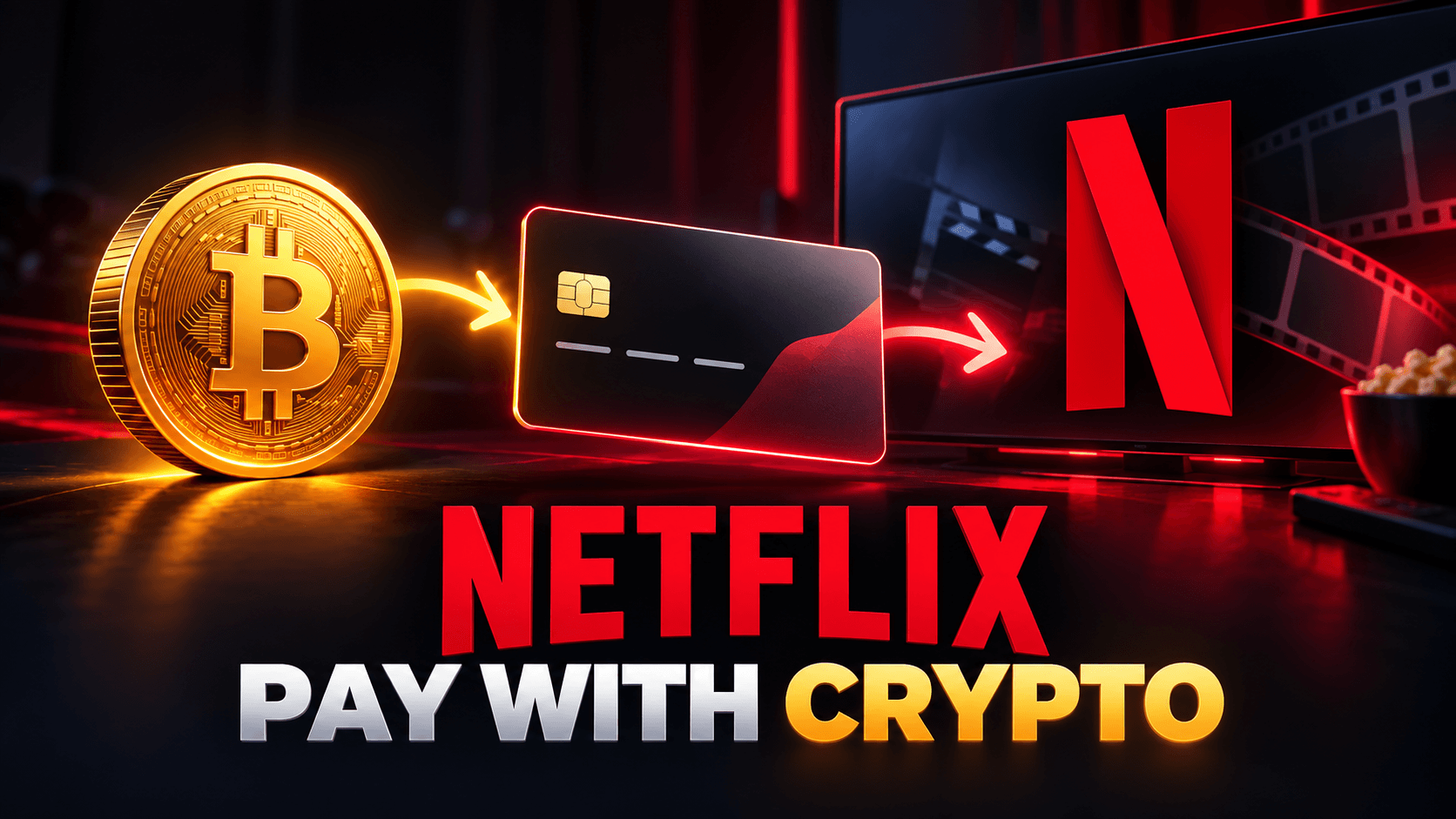
To pay for Netflix with crypto, you can try funding a virtual card with crypto and adding it to Netflix. Netflix does not accept Bitcoin or other cryptocurrency directly, and virtual cards are accepted only in select markets. Before depositing, check the payment options shown for your country and confirm the card supports recurring online charges.
Pay for Netflix with a crypto-funded card
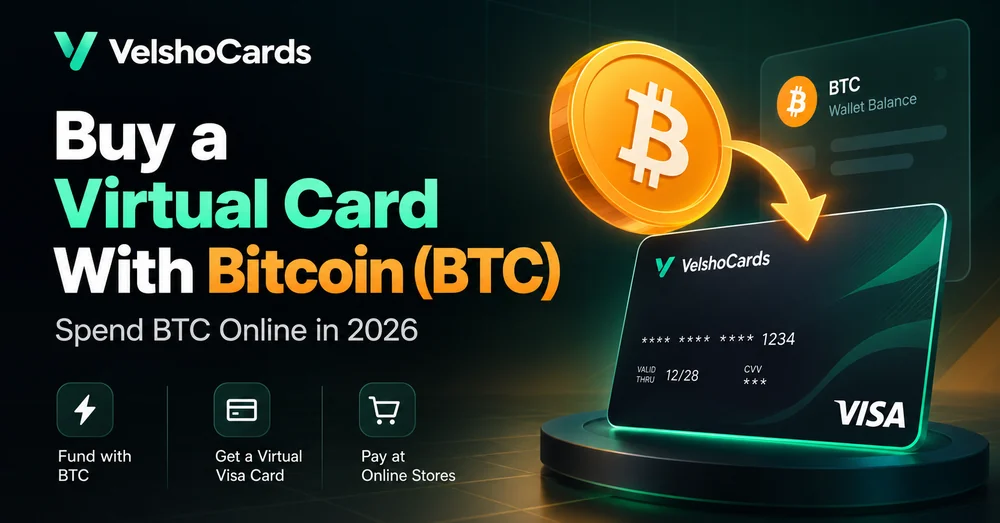
Fund a VelshoCards card with a supported asset and use it at Netflix checkout if virtual cards are available in your market and the card meets Netflix’s billing requirements.
Check Netflix payment options in your country first
Netflix payment methods differ by country. Its payment methods help page lists available options after you select a country. Netflix says its accepted credit and debit cards must be enabled for recurring e-commerce transactions, and you may need to enable international transactions. It accepts virtual cards only in select markets; if Netflix declines one, it advises choosing another payment method.
Check the country selector and the payment methods on your account before funding a card. If Netflix says “This card is not supported in this territory,” its help page says the card is not currently accepted for Netflix in that territory.
If a mobile carrier, app store, or other partner bills your subscription, payment options may be managed by that provider. Netflix notes that billing dates can vary when a third party handles billing. Follow the payment instructions from the company shown on your account.
What paying Netflix with crypto means
A crypto-funded virtual card is an indirect payment method. You deposit a supported cryptocurrency into your VelshoCards wallet, move funds to a card as needed, and enter the card details in Netflix’s payment settings. Netflix processes a card payment; it does not receive Bitcoin or other crypto from you.
Whether the charge is approved depends on Netflix’s market-specific payment rules, the card’s issuing and billing details, recurring payment support, available balance, and the card issuer’s authorization.
How to pay for Netflix with crypto
- Check your Netflix billing route. Sign in to Netflix and open your account’s payment information. If a partner bills your membership, use that partner’s payment settings.
- Confirm virtual cards are an option in your market. Choose your country on Netflix’s payment methods page and read its card requirements. Do not assume that acceptance in one country applies to another.
- Review VelshoCards card and fee details. Check which card product is available to your account and review the current fees. Netflix’s recurring-payment requirement matters: confirm that the product supports this transaction type before loading it.
- Create an account and deposit a supported asset. Use only the currencies and networks currently shown in your VelshoCards account. Verify the deposit address and selected network before sending crypto.
- Create and fund the card. Include enough for the Netflix plan price shown in your account, card top-up fees, applicable taxes or currency conversion, and a reasonable balance buffer. Netflix plan prices vary by country and plan.
- Add the card to Netflix. On Netflix, open the Manage payment info page or follow the payment link from your account. Enter the card details and billing information exactly as shown in your card account.
- Confirm the next billing date. Netflix usually charges once a month on the date you signed up. Keep the card active and adequately funded ahead of renewal.
What does it cost?
Check the Netflix price shown in your account and the current VelshoCards fee page before funding. The current VelshoCards fees list a $12 one-time card issuing fee, $8 monthly maintenance fee, and 8% + $3 per card top-up. Deposit fees depend on the funding method and provider. These fees can change, so confirm the latest totals in the account and before each transaction.
Your total may also include local taxes or a currency conversion fee. Netflix says applicable taxes and cross-border card fees can affect the amount charged. Avoid loading only the exact plan price if fees or an authorization amount could leave the card short.
Why Netflix might decline a virtual card
A decline can happen even when the card has money. Common reasons include:
- Netflix does not accept virtual cards in your market.
- The card is not enabled for recurring e-commerce transactions.
- International transactions are disabled or restricted.
- Netflix or the payment partner does not support the card’s territory.
- The card details or billing information do not match the issuer’s records.
- The balance does not cover the plan price, taxes, fees, or authorization.
- The payment provider or card issuer declined the transaction.
For a “card not supported in this territory” message, Netflix recommends trying another accepted payment method or contacting the card issuer. For a general payment issue, check the card details, e-commerce settings, and balance; then use the payment method controls on the account billed by Netflix or its partner. See Netflix’s billing and payment troubleshooting.
Keep monthly renewals from failing
Netflix bills subscriptions monthly, so a successful first charge does not guarantee that future renewals will succeed. Keep the card active and maintain enough balance before the billing date. If you freeze or close the card, check whether Netflix has another valid payment method before the next charge.
If you move to another country, Netflix says pricing, billing currency, and payment methods vary by country. It also says you generally cannot change the account country unless you move. Review Moving with Netflix instead of trying to change your location to make a payment method work.
Frequently asked questions
Can I pay Netflix directly with Bitcoin?
No. Netflix’s listed payment options do not include direct cryptocurrency payments. A crypto-funded card may work as an indirect method if Netflix accepts that card for your market and billing route.
Does Netflix accept virtual cards?
Netflix accepts virtual cards in select markets. Its help center says to choose another payment method if a virtual card is declined. Check the payment options for your account country before funding a card.
Can I pay for Netflix with a virtual card every month?
Potentially, if the card is accepted in your market and supports recurring e-commerce charges. Keep it active and funded before each monthly billing date; approval of the first payment does not guarantee future renewals.
Can I use a Netflix gift card instead?
Netflix gift cards are another option where available. Check the Netflix gift card help page for country-specific terms, and make sure the card currency and account country are appropriate before purchasing. Gift card balances are non-refundable.
What should I do if Netflix says the card is unsupported in my territory?
That message means Netflix is not currently accepting the card as a payment method for that territory. Check the country-specific payment options, then choose another accepted method or contact the card issuer. Do not change your account country or use inaccurate location details to bypass the restriction.
Get set up
First confirm that Netflix lists virtual cards for your country and that the card supports recurring online payments. For other crypto-funded subscription examples, see our guides to Google Play payments with crypto and paying for ChatGPT Plus with crypto.
If the requirements fit your account, create a VelshoCards account, review the current fees, and fund your card before Netflix’s next billing date.