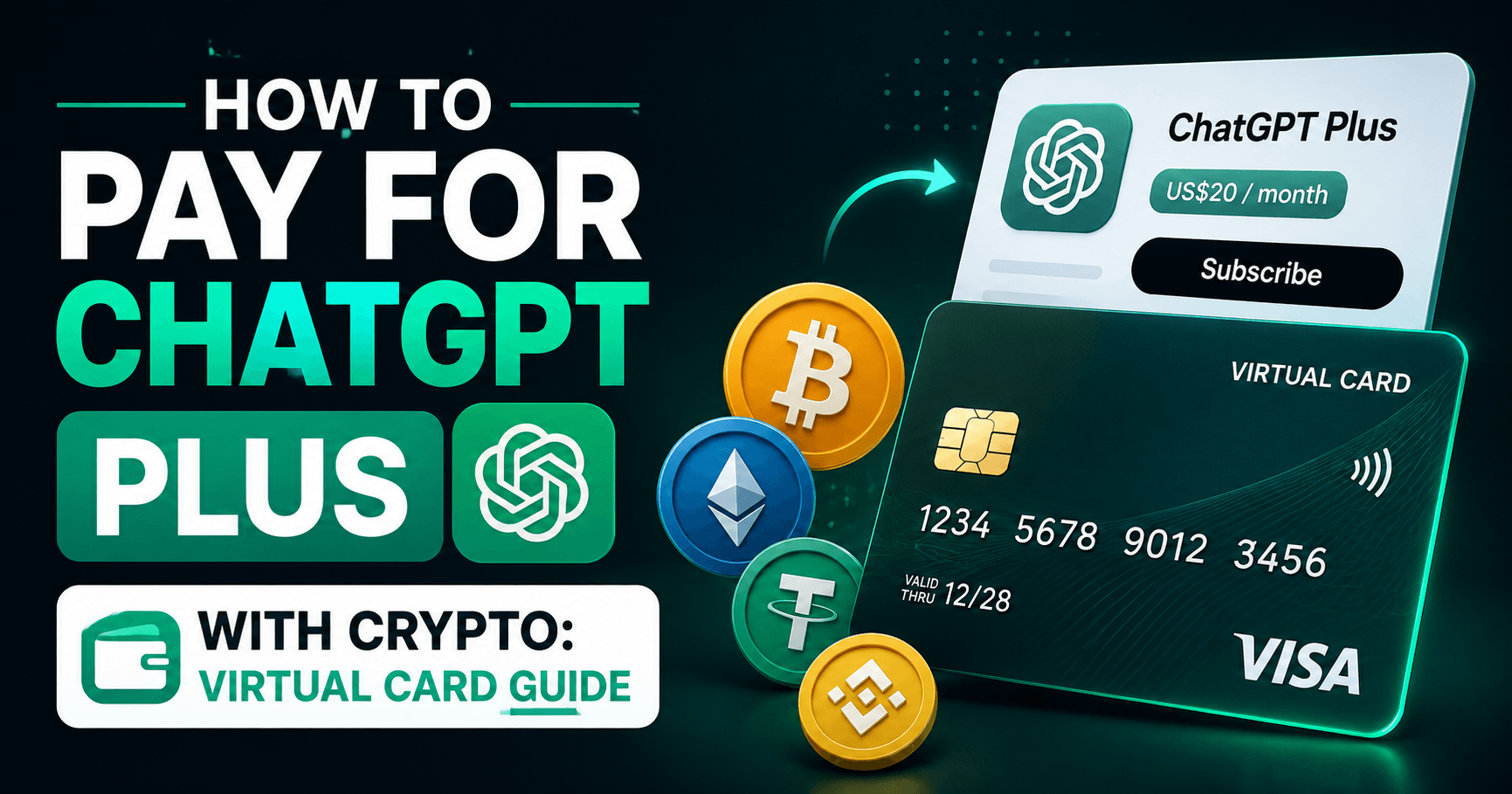
OpenAI charges $20 a month for ChatGPT Plus, and for a lot of people the payment step is harder than it should be. Cards issued in Nigeria, Pakistan, Bangladesh, Egypt, Turkey and a dozen other countries get rejected at checkout even when the money is sitting right there in the account. This guide covers what is actually going wrong and how to pay with a virtual card that works.
Why OpenAI declines your card
A decline on the OpenAI billing page almost never comes from OpenAI. The message you see is passed back from your bank. There are four common causes.
1. Your bank blocks cross border digital subscriptions
Plenty of local banks quietly refuse recurring charges from foreign merchants. Nothing on your statement explains it. The charge simply never clears. If your card works in local shops but fails on every foreign subscription, this is usually the reason.
2. The merchant category is closed on your card
Every charge carries a merchant category code. OpenAI bills under the digital goods and software categories, mainly MCC 5817 and 5734. Some prepaid and payroll cards only open a narrow set of categories and leave those two shut. The card is real, the money is real, and the charge still fails.
3. The balance does not cover the authorisation hold
Before the $20 charge lands, OpenAI runs a small verification hold to prove the card is alive. If your balance is exactly $20, the hold pushes you over and the whole thing fails. Keep $22 or more on the card.
4. The 3D Secure step never completes
Most European issued cards require a one time code for online purchases. If you do not have the code ready when the bank screen opens, it expires and the payment fails. This is the single most common failure for people using a virtual card for the first time.
What you need before you start
- A Visa card issued in a region OpenAI accepts
- 3D Secure support, with access to the one time code
- At least $22 available on the card
- The digital goods merchant categories open on the card
- A billing address that matches what the issuer has on file
The VelshoCards USD Visa covers all five. It is issued in Estonia on BIN 474362, runs 3D Secure, and has MCC 5817 and 5734 open, along with the rest of the software and services set.
Step by step: paying for ChatGPT Plus
- Create an account. Register and open the dashboard.
- Fund your wallet. Deposit with USDT, BTC, ETH, TRX or another supported coin. Cryptomus and Binance Pay usually confirm within a few minutes.
- Issue the card. Open Cards and create a USD Visa with 3D Secure enabled.
- Load the balance. Move at least $22 across. Do not load the exact subscription price.
- Add the card in ChatGPT. Settings, then Billing, then Payment methods. Enter the number, expiry, CVV and the billing address shown on your card page. Type the address exactly as it appears.
- Handle the 3D Secure prompt. When the bank verification screen opens, go back to your card page in the dashboard and press Fetch 3DS. The one time code appears there. Copy it across before it expires.
The subscription activates straight away. The next charge lands on the same date each month.
What this costs you
| Item | Amount |
|---|---|
| ChatGPT Plus | $20.00 per month |
| Transaction fee (charges under 30 EUR) | $0.87 |
| Transaction fee (charges over 30 EUR) | $0.00 |
| Card maintenance | $8.00 per 29 day cycle |
| Declined charge | $0.87 |
| Refund | $0.87 |
ChatGPT Plus sits below the 30 EUR line, so the $0.87 fee applies to every renewal. If you also run Claude, Cursor, hosting and ad spend on the same card, the $8 maintenance is spread across all of them instead of sitting on one subscription. One card for every AI tool is the cheaper setup.
When the payment still fails
The card was added but the charge failed
Check the balance first. A renewal that arrives when the card is short triggers a decline and a $0.87 fee. Top up, then retry the payment from the OpenAI billing page rather than waiting for the automatic retry.
The 3D Secure code never showed up
The code only appears after the merchant asks for it. Start the payment first, then press Fetch 3DS. Pressing it before the payment starts returns nothing, because nothing has been triggered yet.
The address was rejected
Use the billing address from your card details page, not your home address. The issuer checks against its own records.
The charge is stuck as pending
Authorisation holds sit for a short period and release on their own. Do not add a second payment method while one is pending, or you can end up with two holds against the same balance.
Set the renewal up so it does not break
The failure mode that catches most people is an empty card on renewal day. Two habits fix it.
- Keep a buffer of $25 to $30 on the card rather than topping up to the exact amount.
- Top up two days before the renewal date, not on the day. Crypto deposits need confirmations, and a network backlog on the wrong morning costs you the subscription.
Frequently asked questions
Does ChatGPT Plus accept virtual cards?
Yes. OpenAI takes any Visa or Mastercard that passes its billing checks, including virtual cards. The card has to hold a real balance, allow international charges, and support 3D Secure.
Why does OpenAI keep declining my card?
Four reasons cover almost every case: the balance is short of $20 plus the temporary authorisation hold, your issuer blocks cross border digital subscriptions, the merchant category is not open on your card, or the 3D Secure prompt timed out before you entered the code.
How much balance do I need before I subscribe?
Keep at least $22 on the card. ChatGPT Plus is $20 a month, and OpenAI places a small authorisation hold on top of it before the real charge lands.
Can I pay for the OpenAI API with the same card?
Yes. API credit purchases and Plus subscriptions bill through the same merchant category, so a card that works for one works for the other. API billing is usage based, so watch your balance more closely.
What happens if the renewal fails?
OpenAI retries the charge for a few days, then cancels the subscription. Each failed attempt costs a $0.87 decline fee on our card, so topping up before the renewal date is cheaper than letting it retry.
Do I need to give OpenAI a billing address?
Yes. Use the billing address shown on your card details page in the dashboard. A mismatch between the address you type and the address on file is a common cause of a soft decline.
Is a virtual card safer than my bank card for AI subscriptions?
It limits your exposure. The card holds only the balance you load, so a leaked number cannot reach your bank account, and you can block the card without touching your main banking.
Next steps
If you run more than one AI tool, the same card covers them. We have separate walkthroughs for paying for Claude Pro and paying for Cursor, both of which have their own quirks at checkout.
Create a card and load it before your next billing date.