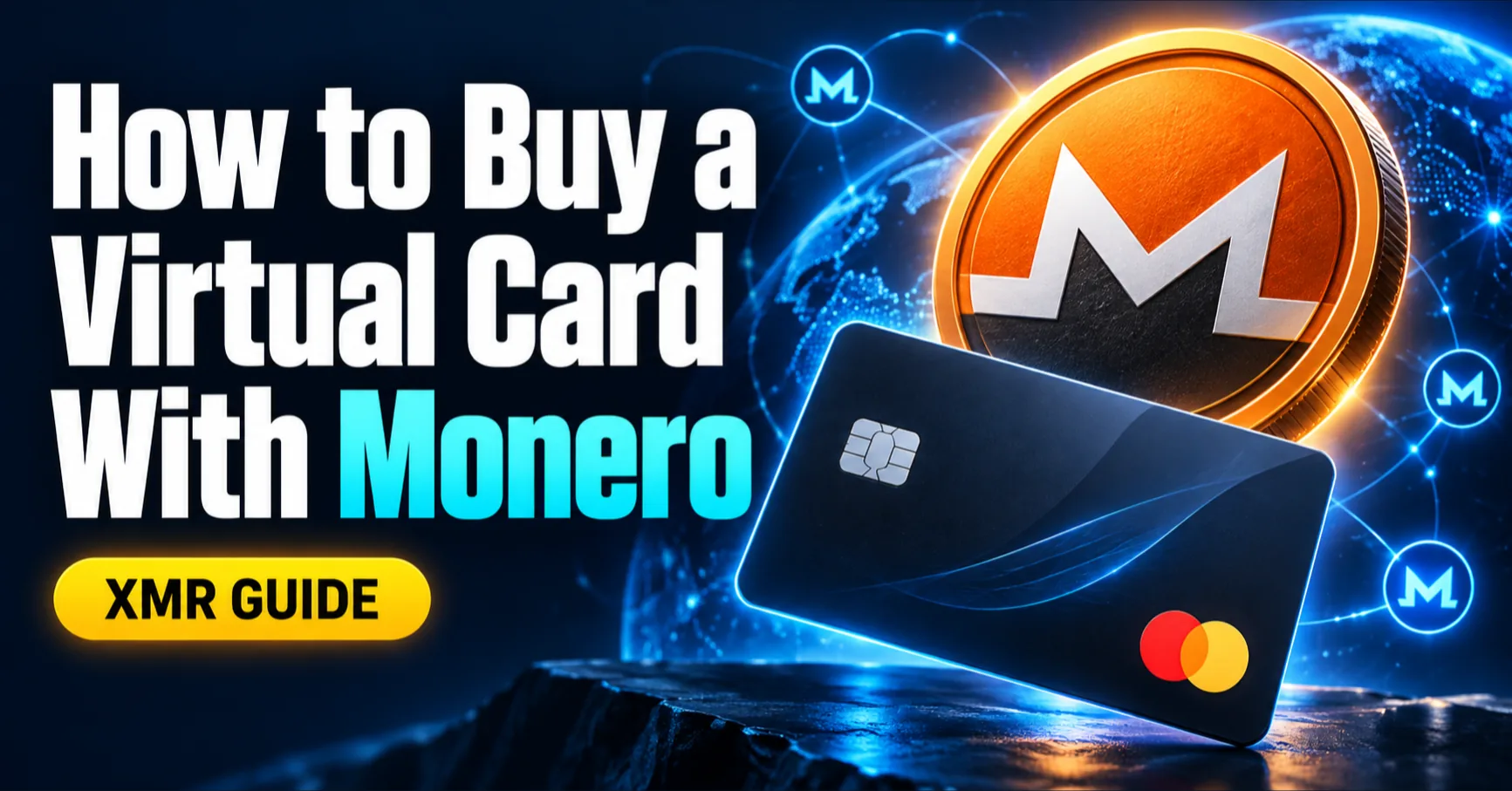
Short answer: buy a virtual card with Monero by depositing XMR through Cryptomus, waiting for confirmation, and using the credited VelshoCards balance to issue and fund a card. The store receives a normal card payment, so it does not need to accept XMR.
How the XMR-to-card payment works
The transaction uses two separate rails. First, you send XMR from your wallet to a Cryptomus invoice. Second, after the deposit is credited, you move wallet balance onto a virtual card and pay an eligible merchant through the card network.
Monero's blockchain privacy applies to the funding leg. The card purchase is a conventional transaction processed by the platform, issuer, network and merchant.
What you need
- A synchronized Monero wallet with enough unlocked XMR for the invoice and network fee
- A VelshoCards account that meets the current account requirements
- A live Cryptomus invoice showing Monero as the selected asset
- Enough credited balance for card issuance, funding and the planned purchase
- An eligible merchant for the card product you select
Confirmed Monero payments are irreversible. Verify the address, amount and invoice status before sending. The official Monero payment guide explains the wallet-level process.
How to buy a virtual card with XMR
- Create an account. Register with VelshoCards and open the dashboard.
- Start a deposit. Choose Cryptomus and select Monero (XMR).
- Create the invoice. Note the exact XMR amount, address and expiry.
- Verify the payment. Match the first and last address characters and confirm that the network is Monero.
- Send the exact amount. Approve the payment before the invoice expires.
- Wait for confirmation. Continue only after the balance is credited.
- Issue the card. Choose the available card that fits your currency, limits and merchant.
- Fund the card. Load the planned purchase amount plus a reasonable authorization buffer.
Calculate the complete cost
| Cost | Where to verify it |
|---|---|
| Monero network fee | Your wallet before sending |
| Cryptomus quote | The live invoice |
| Card issuance and funding | The dashboard and confirmation screen |
| Maintenance, FX, decline or refund fees | The current fee schedule |
Compare the final spendable card balance, not one isolated fee. Fixed card charges can make a small purchase proportionally expensive.
What stays private and what does not
Public Monero observers do not see the sender, recipient and amount in the same form as transparent blockchains. Services involved in the payment still process the information required to operate the invoice and card. A merchant can also receive billing, account, device and delivery information.
Read Monero virtual-card fees, limits and privacy before treating the card as a privacy product.
Mistakes to avoid
- Sending XMR to an expired or reused invoice
- Choosing the wrong crypto asset or network
- Loading only the exact checkout subtotal
- Assuming every card works at every merchant
- Repeating declines before identifying their cause
Frequently asked questions
Can I buy a virtual card directly with Monero?
Yes. VelshoCards accepts XMR deposits through Cryptomus. After confirmation, use the credited wallet balance to issue and fund an available virtual card.
How long does an XMR deposit take?
Timing depends on Monero network confirmations and Cryptomus processing. Track the invoice and your VelshoCards transaction history instead of relying on a fixed estimate.
Does an XMR-funded card make every purchase anonymous?
No. Monero protects on-chain transaction details, while the processor, card issuer and merchant can still process account, billing and purchase information.
How much XMR should I send?
Send the exact amount shown on the current Cryptomus invoice before it expires. Your wallet separately displays the Monero network fee paid by the sender.
Can I use the card immediately?
You can use it after the deposit is confirmed, the card is issued and enough balance is loaded. Merchant and issuer restrictions still apply.
Buy a card with XMR
Create your VelshoCards account, open an XMR invoice through Cryptomus, and review the live card fees before funding your card.