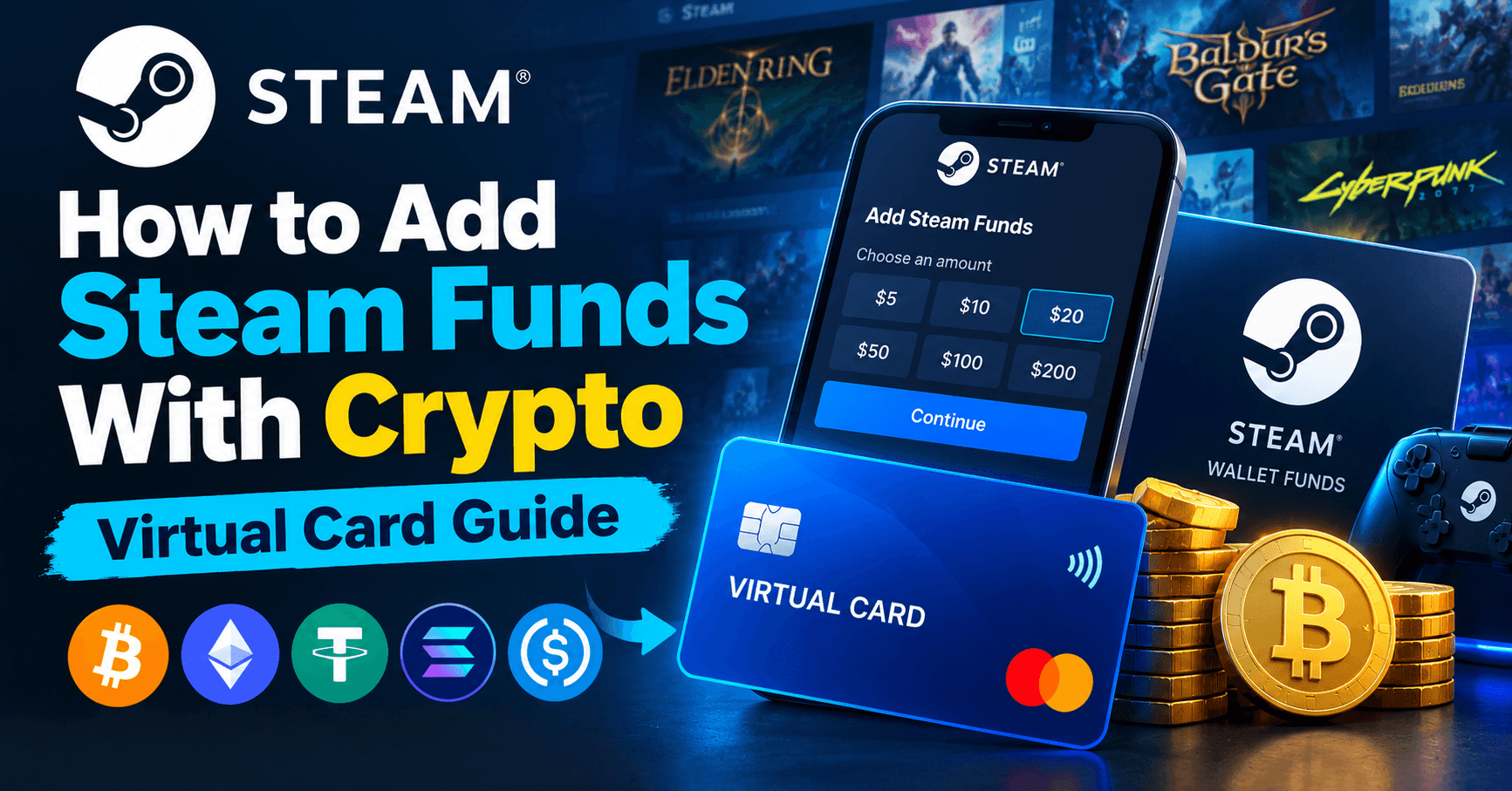
Short answer: Steam does not accept crypto — Valve dropped Bitcoin support in 2017 and has not brought it back. The two routes that work are funding a virtual card with crypto and adding funds directly in Steam, or buying a Steam wallet code from a reseller. This guide covers both, plus the region-lock trap that costs people money.
On this page
- Direct top-up vs wallet code
- Region locks: the part everyone gets wrong
- What loading the card costs
- Why Steam declines your card
- Step by step: adding Steam funds with crypto
- Step by step: redeeming a wallet code
- Frequently asked questions
Direct top-up vs wallet code
These are genuinely different transactions and they behave differently with a virtual card. Pick deliberately.
| Direct top-up in Steam | Reseller wallet code | |
|---|---|---|
| Who charges the card | Valve Corporation | The reseller |
| Merchant category | Digital goods / games | Digital goods, sometimes gift cards |
| Region risk | None — matches your account | High — the code carries a region |
| Amount flexibility | Fixed tiers set by Valve | Whatever the reseller stocks |
| Refundable | Wallet funds are non-refundable | Codes are non-refundable once revealed |
| Recommended | Yes, by default | Only if direct top-up is unavailable |
Direct top-up is the safer route. It cannot be region-mismatched, and Valve is a stable, well-behaved merchant. Use a wallet code only when direct top-up is not offered in your country.
Region locks: the part everyone gets wrong
A Steam wallet code is issued for a specific currency and region. If the code's region does not match your Steam account's region, redemption fails with a message about the code not being valid in your country — and you are holding a non-refundable code you cannot use.
The three rules
- The code region must match your Steam account country, which is set by your billing address and the country you have been buying from. Not by your card. Not by your IP.
- A USD card does not make your account a US account. This is the misconception that costs people money. Paying with a USD virtual card while your Steam account is set to Turkey does not let you redeem a US wallet code.
- Do not buy cheap regional codes to arbitrage price. Turkish, Argentine and Russian codes are cheaper because those regions are priced lower. Redeeming one on a mismatched account fails, and using a VPN to change your Steam region violates the Steam Subscriber Agreement and can lock your wallet.
How to check your account region before you buy
Open Steam, go to Account Details, and look at the Country line under Store & Purchase History. That is the only region that matters. Buy the code that matches it, or use direct top-up and skip the whole question.
Load a sale season's budget at once
Card top-ups carry a percentage plus a flat amount, and the flat part is what punishes small loads. Topping up in small slices pays it every time; one larger load pays it once.
Steam wallet funds never expire, which makes this easy: load a sale season's budget in one go, then buy freely through the summer or winter sale without touching the card again. Wallet deposits are free and there is no daily or monthly spending cap.
Current rates are on the card fees page, which is always up to date.
Why Steam declines your card
1. Valve's verification charge
When you add a new card, Valve places a small verification charge to confirm the card is live. It is reversed shortly after. A card loaded with exactly the top-up amount fails this step. Always keep a few dollars of headroom.
2. Billing address mismatch
Steam runs address verification and it is strict. Copy the address from your card details page exactly. Steam also uses the address you enter to determine your account country, so entering a random address can move your store region — which then breaks your existing library pricing. Use the card's real billing address.
3. Merchant category is closed on your card
Valve bills under digital goods and game categories, MCC 5816 and 5734. Cards that only open retail categories reject the charge before the balance is checked. Our card has these categories open, along with the software category most launchers bill under.
4. Currency conversion pushed the total up
If your Steam account prices in EUR, TRY or INR and your card is USD, the final charge is a converted amount that is slightly different from the sticker price. On an exactly-loaded card, that difference alone triggers a decline.
5. Too many failed attempts
Steam temporarily blocks a card after repeated failures, and the block lasts hours. Fix the actual cause before retrying — retrying a card that failed on category or address will never succeed and will get you rate-limited.
Step by step: adding Steam funds with crypto
- Fund your wallet. Deposit USDT, BTC, ETH or TRX. Deposits are free and confirm in minutes.
- Issue a card. Create a USD virtual Visa with 3D Secure enabled.
- Load it with headroom. Add the top-up amount plus a few dollars — the extra covers Valve's verification charge and any conversion difference.
- Open Steam. Click your account name, then Account Details, then Add Funds to your Steam Wallet. Pick a tier.
- Enter the card. Card number, expiry, CVV, then the billing address copied character for character from your card details page.
- Clear 3D Secure if prompted. Fetch the one-time code from your dashboard and submit it before the window expires.
Funds appear in the wallet immediately. They never expire and they are tied to the account, not the card, so you can freeze or delete the card afterwards without losing the balance.
Step by step: redeeming a wallet code
- Check your Steam account country in Account Details first.
- Buy a wallet code in that exact region and currency.
- In Steam, go to Account Details, then Redeem a Steam Gift Card or Wallet Code.
- Enter the code. If it is region-matched it credits instantly.
If the code is rejected as invalid for your country, the code region is wrong. Resellers do not refund revealed codes, which is why direct top-up is the better default.
Frequently asked questions
Does Steam accept crypto?
No. Valve accepted Bitcoin briefly and removed it in 2017 over fees and volatility. There is no crypto option at Steam checkout today. Funding a virtual card with crypto and paying Steam with the card is the working route.
Can I use a virtual card on Steam?
Yes. Steam accepts virtual Visa and Mastercard numbers. The card needs available balance above the top-up amount, a billing address matching issuer records, open digital goods merchant categories, and 3D Secure support.
Why was my Steam wallet code rejected?
Almost always a region mismatch. Wallet codes are issued for a specific country and currency, and they only redeem on a Steam account set to that country. Your card's currency does not change your account region.
Is it safe to buy cheap Turkish or Argentine Steam codes?
No. Those codes are priced for those regions and will not redeem on an account set elsewhere. Using a VPN to change your Steam region to redeem them breaks the Steam Subscriber Agreement and can get your wallet locked.
Why does Steam place a small charge when I add a card?
It is a verification charge to confirm the card is live, and it is reversed shortly after. It is also why you should never load your card with the exact top-up amount.
Do Steam wallet funds expire?
No. Funds stay in the account indefinitely, which is why one large top-up beats many small ones once you account for the flat portion of the card top-up fee.
Can I get a refund on Steam wallet funds?
Wallet funds themselves are generally non-refundable, though individual game purchases made with them may qualify under Steam's refund policy. Refunds go back to the wallet, not to your card.
Get set up
Same card, other stores: read the guides for PUBG Mobile UC, Robux and Google Play gift cards.
Open an account, deposit USDT, and issue a card before the next Steam sale.