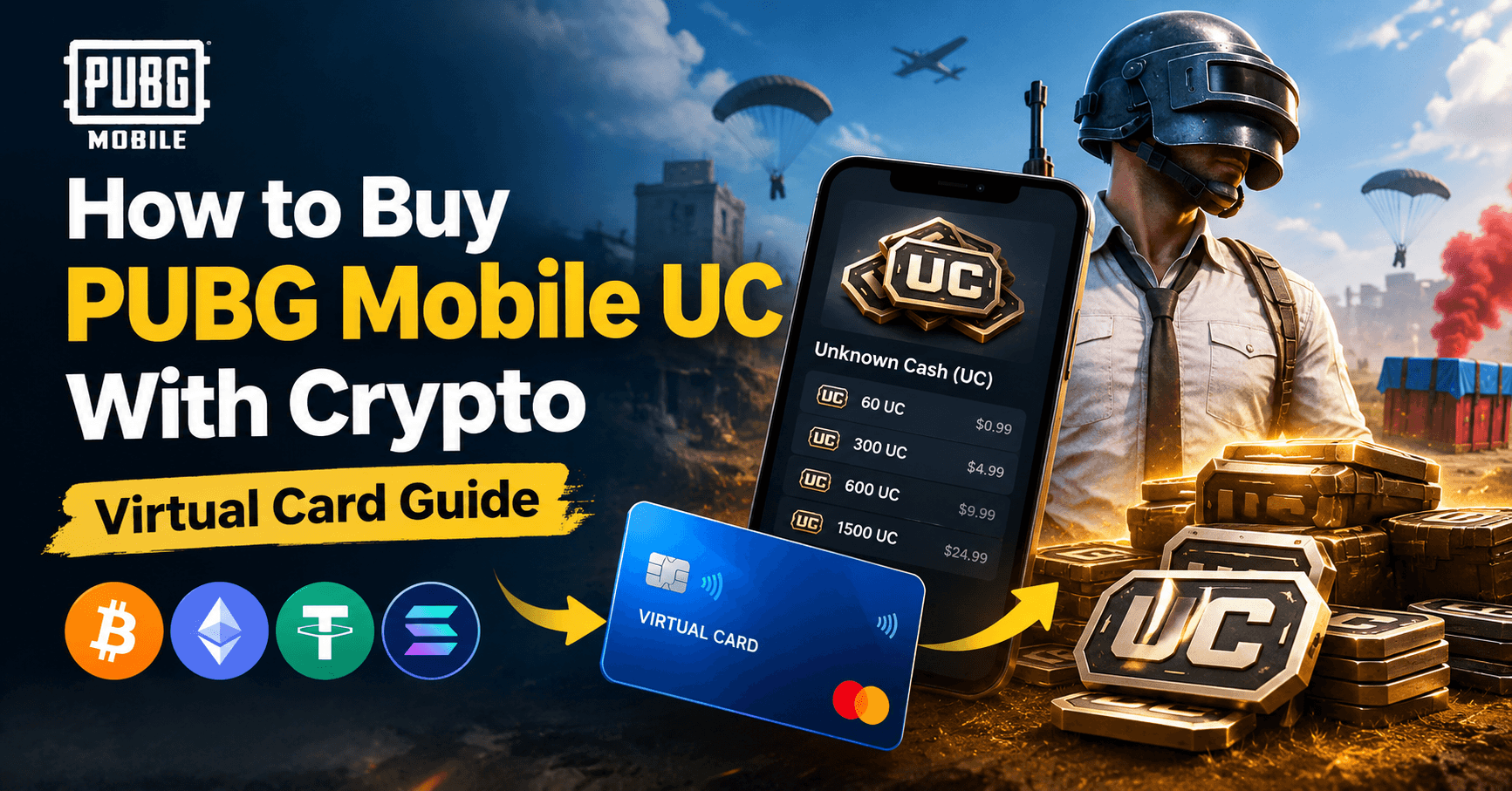
Short answer: you cannot pay Midasbuy or PUBG Mobile directly with Bitcoin or USDT. What works is a two-step route: fund a crypto virtual card, then pay Midasbuy with that card like any Visa. This guide covers the UC pack prices, why local cards get declined on gaming merchants, and the exact steps that go through.
On this page
- PUBG UC pack prices
- What the card actually costs you
- Why Midasbuy declines your card
- Step by step: buying UC with crypto
- Player ID top-up vs in-game purchase
- Mistakes that waste money
- Frequently asked questions
PUBG UC pack prices
Midasbuy is Tencent's official top-up portal. Prices move with region and promotions, so check the current figures on Midasbuy before you load the card. What stays stable is the bonus structure, and it is what decides value.
| Pack | Bonus UC | Per-UC value |
|---|---|---|
| 60 UC | — | Worst rate |
| 325 UC | +25 | Low |
| 660 UC | +60 | Fair |
| 1800 UC | +300 | Good |
| 3850 UC | +850 | Strong |
| 8100 UC | +2100 | Best rate |
The bonus percentage climbs with pack size, so the largest pack you will actually spend is always the cheapest per UC. That ordering has held for years even as the prices themselves change.
Load the card once, not every time
Card top-ups carry a percentage plus a flat amount, and it is the flat part that decides your strategy. Six small top-ups pay that flat charge six times; one larger top-up pays it once and buys exactly the same UC.
So: load a few months of budget in one go and let the card sit. There is no daily or monthly spending cap, wallet deposits are free, and card balance does not expire. Frequent small top-ups are the expensive way to play.
Current rates are on the card fees page, which is always up to date.
Why Midasbuy declines your card
Gaming top-up is one of the most heavily blocked categories in card payments. A decline here is almost never about your balance. It is one of five things.
1. Your bank blocks the merchant category outright
Game top-ups bill under MCC 5816 (digital goods, games) and 7994 (video game arcades). Chargeback and fraud rates in this category are high, so a lot of retail banks — especially in Bangladesh, Pakistan, India, Nigeria and Egypt — decline it by default. It is a policy block, not a fraud alert, so calling the bank rarely helps. A card issued with gaming categories open does not have this problem.
2. The billing address does not match
Midasbuy's processor runs an address verification check. If the address you type is not the one your issuer holds on file, the charge fails even with a full balance. Copy the billing address from your card details page character for character. Do not use your home address.
3. The authorisation hold pushed you over
Card networks place a short-lived hold to confirm the card is live before the real charge lands. On a card holding exactly the pack price, that hold alone is enough to fail the purchase. Always keep a few dollars of headroom.
4. The 3D Secure window timed out
Most gaming merchants force a 3D Secure challenge because of the fraud rate. The verification window has a short timeout. Keep your card dashboard open in a second tab so you can pull the one-time code the moment the challenge appears.
5. Currency mismatch
If Midasbuy shows prices in a currency your card does not hold, the charge converts and the final amount is a little higher than the sticker price. On a card loaded to the exact amount, that difference alone triggers a decline. Set Midasbuy to USD and use a USD card.
Step by step: buying UC with crypto
- Fund your wallet. Deposit USDT, BTC, ETH or TRX. Deposits are free and usually confirm in minutes. TRC-20 USDT is the cheapest network for small amounts.
- Issue a card. Open Cards and create a USD virtual Visa with 3D Secure enabled.
- Load it. Add the pack price plus a few dollars of headroom for the authorisation hold.
- Open Midasbuy. Go to the official Midasbuy site, pick PUBG Mobile, and enter your Player ID. Confirm the character name that appears is yours before paying.
- Choose card payment. Enter the card number, expiry and CVV, then the billing address exactly as it appears on your card details page.
- Clear 3D Secure. When the verification window opens, fetch the code from your dashboard and submit it before it expires.
UC lands in the account tied to the Player ID within a minute or two. There is no delivery email to wait for and nothing to redeem.
Player ID top-up vs in-game purchase
There are two ways to buy UC, and they behave differently with a virtual card.
| Midasbuy (Player ID) | In-game store | |
|---|---|---|
| Who charges the card | Tencent / Midasbuy | Google Play or Apple |
| Merchant category | Gaming / digital goods | App store billing |
| Login needed | No — Player ID only | Yes |
| Bonus UC | Usually higher | Usually lower |
| Best for virtual cards | Yes | Depends on store region |
Midasbuy is the better route with a virtual card: the bonus UC is larger and you skip the app store's own card checks. If you would rather top up through the store balance instead, read our guide to buying a Google Play gift card with crypto.
Mistakes that waste money
- Retrying a declined charge over and over. If the first attempt failed on category or address, the tenth will too. Fix the cause first.
- Loading the exact pack price. The authorisation hold needs headroom. Add a few dollars.
- Many small top-ups. The flat portion of the top-up fee hurts small amounts badly. Load bigger, less often.
- Deleting the card between purchases. Issuing a replacement costs the issuing fee again. Keep one gaming card and reuse it.
- Typing the wrong Player ID. Midasbuy shows the character name before payment. Check it. Top-ups to the wrong ID are not reversible.
Frequently asked questions
Can I buy PUBG UC with crypto directly?
Not on Midasbuy. Tencent does not accept Bitcoin or USDT at checkout. The working route is to fund a virtual card with crypto and pay Midasbuy with that card, which Midasbuy accepts like any Visa.
Why does Midasbuy keep declining my card?
The five usual causes are a bank that blocks gaming merchant categories, a billing address that does not match issuer records, an authorisation hold that pushed the balance short, an unanswered 3D Secure challenge, and a currency mismatch between the store and the card.
Which UC pack is the best value?
The bonus percentage rises with pack size, so the largest pack you will realistically spend is always the cheapest per UC, and the 60 UC pack is the most expensive per unit. Larger packs also spread your top-up fee over more UC. Check current prices on Midasbuy.
Do I need to log into my PUBG account to top up?
No. Midasbuy tops up by Player ID. Enter the ID, confirm the character name shown, and pay. You never hand over your account password.
How long does UC take to arrive?
Usually one to two minutes after the charge clears. If it has not arrived after ten minutes, check the Midasbuy order history before paying again — a duplicate top-up is not refundable.
Is buying UC with a virtual card against the rules?
No. Midasbuy is Tencent's official portal and a virtual card is a normal Visa or Mastercard number. What gets accounts banned is third-party UC sellers and account sharing, not the payment method you use on the official store.
Can I use one card for UC and other purchases?
Yes, and you should. Maintenance is charged per card per month, so running your game top-ups, subscriptions and store purchases on a single card costs a fraction of running three separate ones.
Get set up
Same card, other stores: read the guides for Free Fire diamonds, Steam wallet codes and Robux.
Open an account, fund it with USDT, and issue a card before your next top-up.